Treasuries can send payments in all our supported assets and chains. In this guide we will explain how to access and withdraw a confidential payment received on a near.com account, and how to transfer it to an external wallet.

Accessing and Withdrawing a Confidential Payment

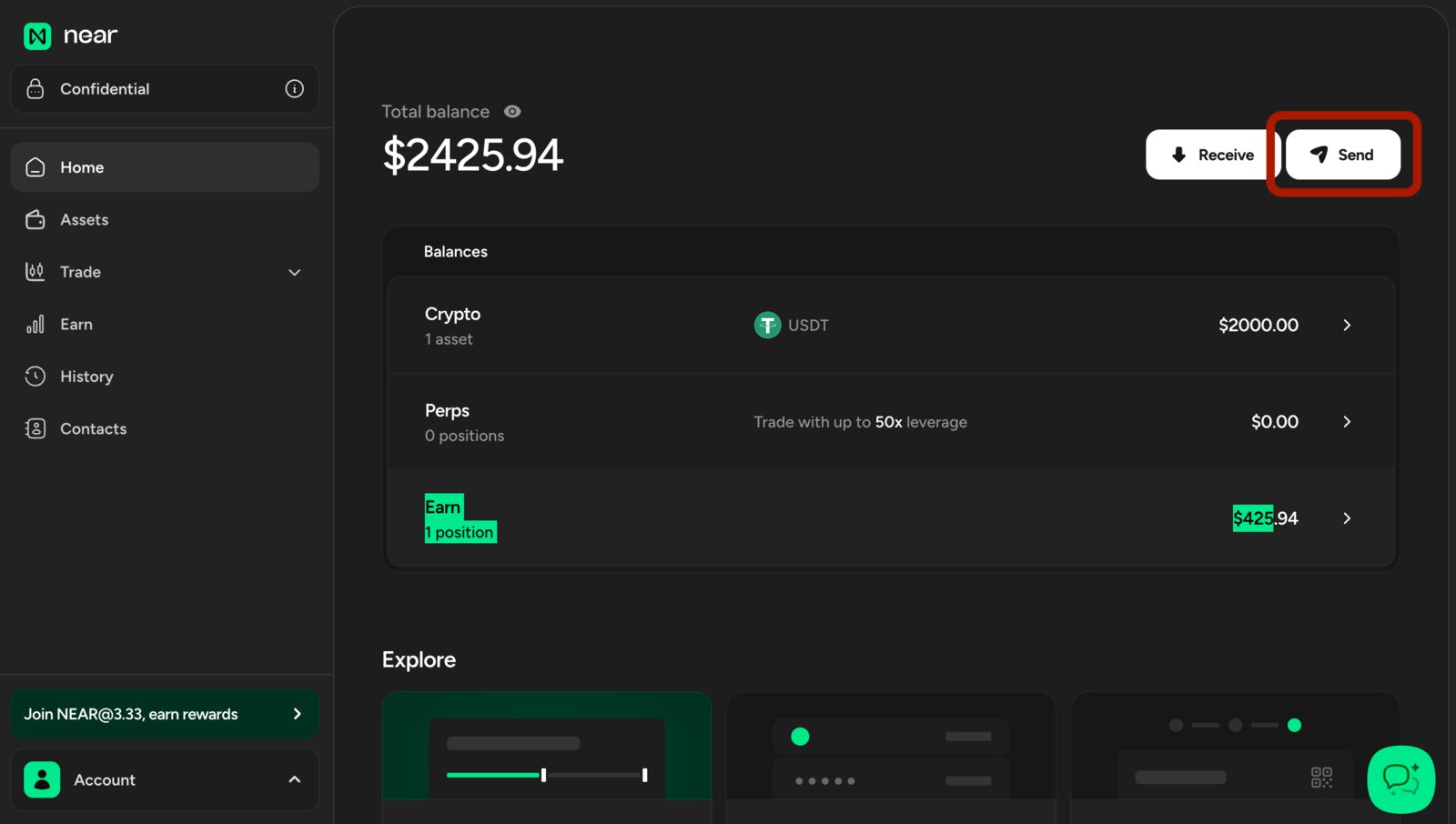
Navigate to near.com and log in with the wallet where you received the payment (near.com supports a wide range of wallets, from multiple ecosystems). send Click on Send and select the token you want to send, the destination network, and the recipient address, then confirm the transfer. withdraw funds
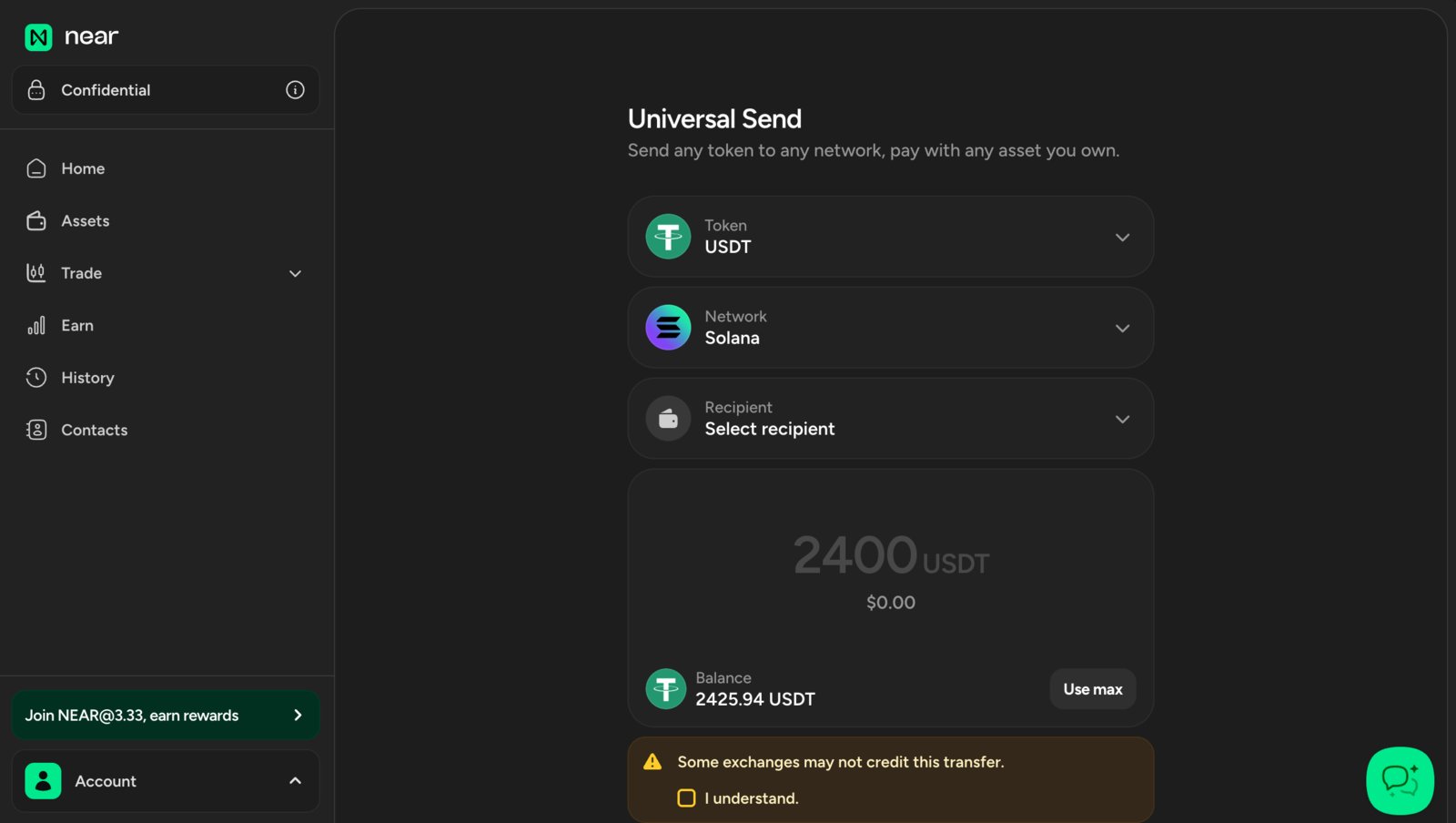
You can swap the funds to any other asset supported by near.com before withdrawing them. The same asset can also be sent across multiple networks, so you can choose the option that best fits your needs.
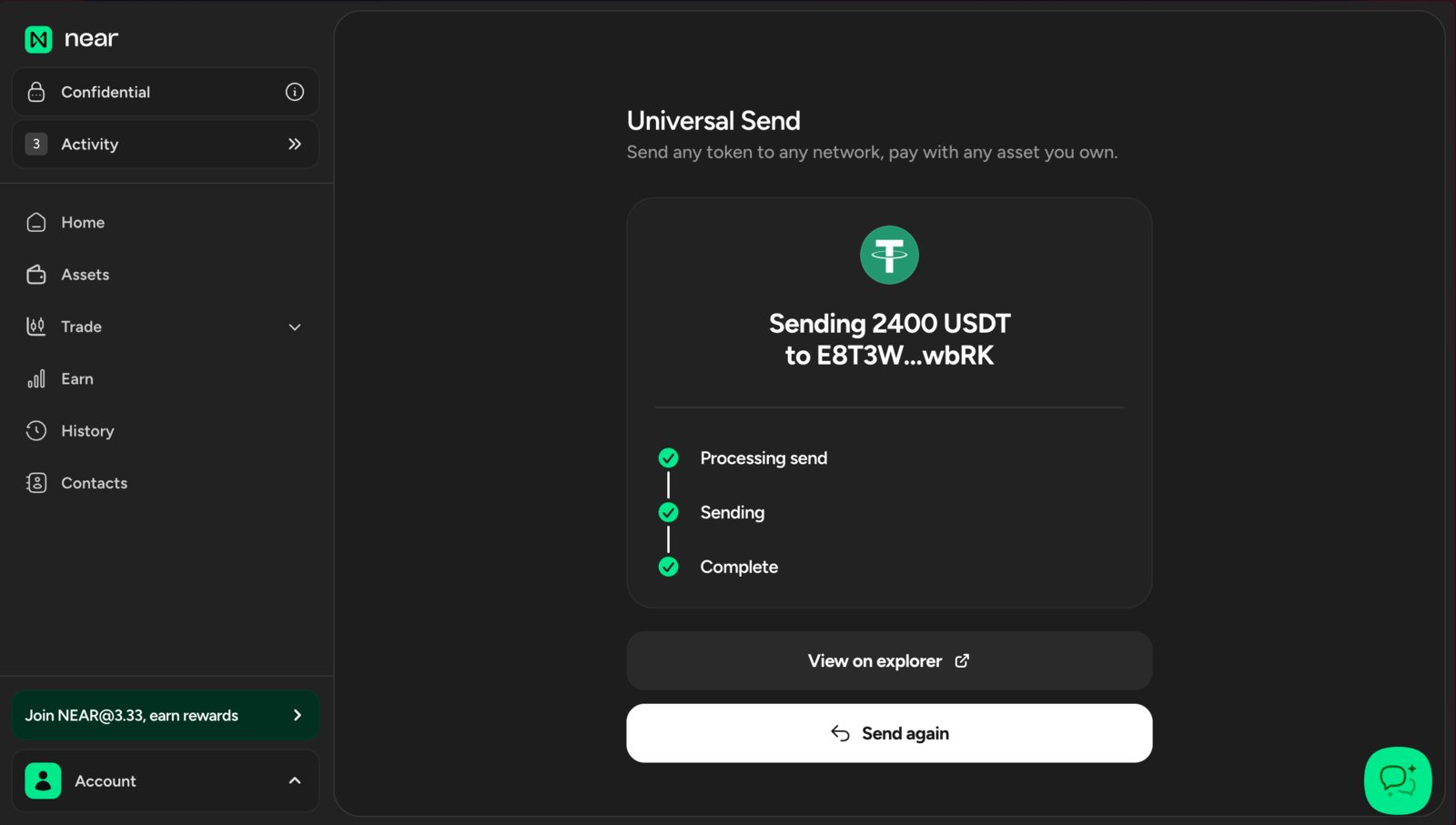
Once the transfer completes, you will see the funds available in your selected external wallet. withdraw completed