

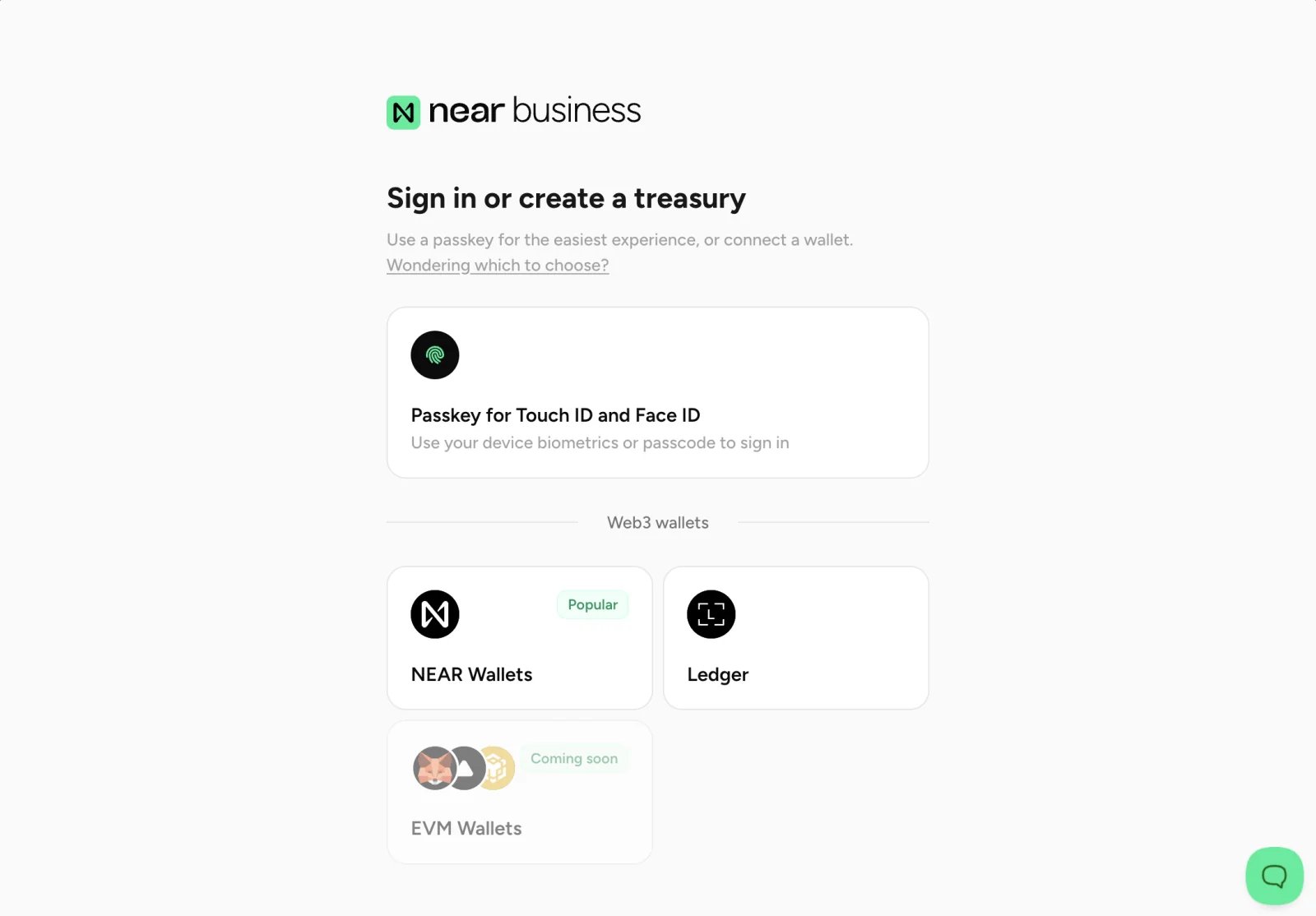
Near Business is a non-custodial solution, which means that your funds are always under your control.
Comparison of Login Methods
Passkeys
Passkeys are a secure authentication method that allows you to access Near Business using your own device’s authentication method, such as fingerprint or facial recognition. To start using passkeys, selectSign Up in the login modal. You will then be prompted to create a passkey
on your device, and a new on-chain account will be automatically created for you.
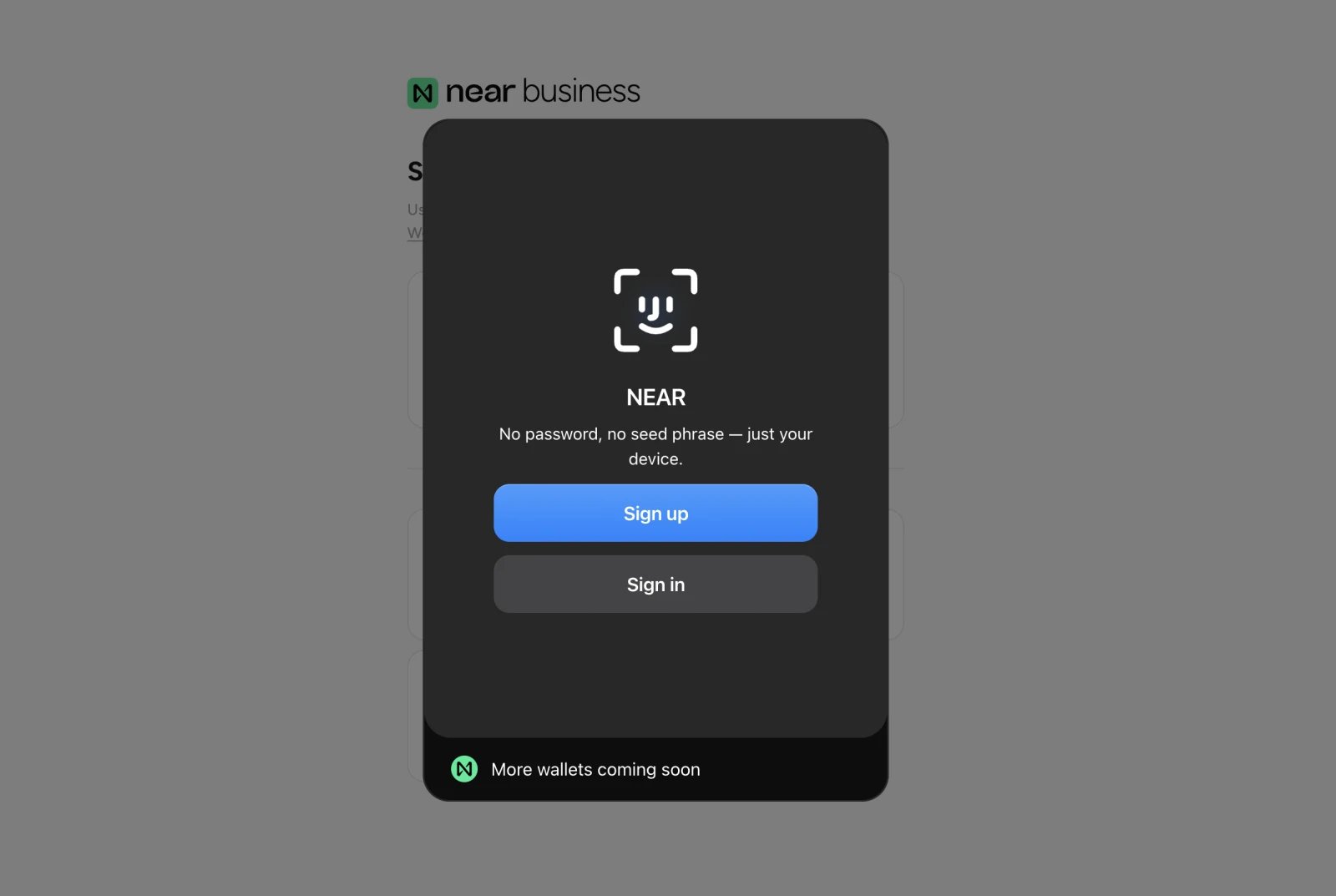
Sign In option to login using your passkey.
Passkey Storage and Recovery
Depending on the service or device you use to store your passkeys, the recovery options and device specificity may vary:Crypto Wallets
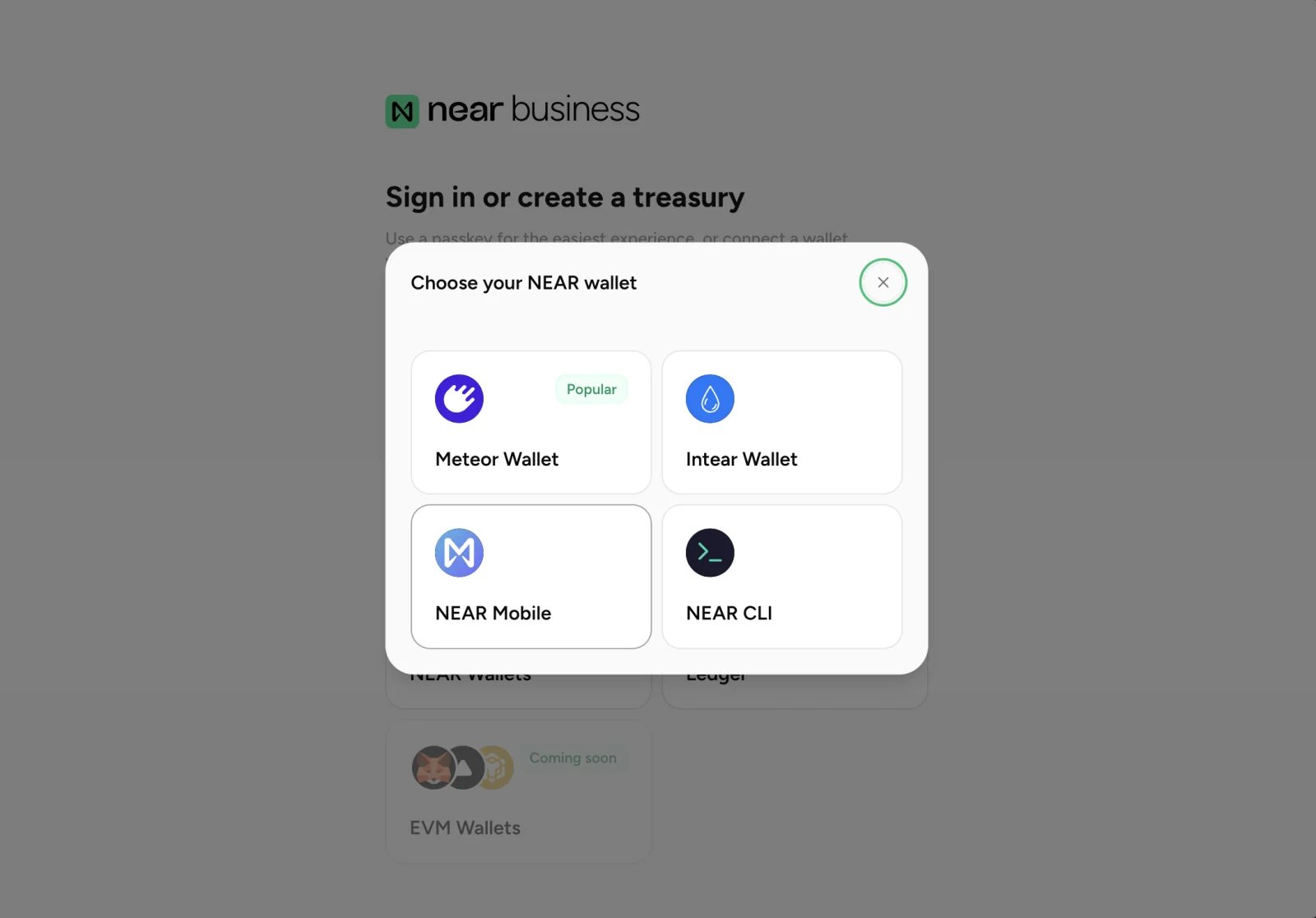
To connect with your wallet, simply select theNEAR Wallet option from the login modal.
Hardware Wallets
Near Business supports Ledger, a popular hardware wallet that allows you to securely store your crypto assets offline. You can connect using your Ledger device and use it to manage your treasuries.Learn more about how to use Ledger in our Ledger Guide
Frequently Asked Questions
Which methods should I use?
Which methods should I use?
Use passkeys if you are new to crypto wallets, or if you want to create a separate account that is secure and easy to use.
Otherwise, you can use your wallet if you already have one.
Do all login methods have access to the same features?
Do all login methods have access to the same features?
Yes, all login methods have access to the same features and functionality. The only difference is the way in which you authenticate and access your treasuries.
Which login method is inherently more private?
Which login method is inherently more private?
How private each method is depends on your usage. Using a passkey provides the same level of privacy as using
a completely new on-chain account, and since NEAR Business covers the cost of creating and using a treasury,
you do not even need to fund it.Using an existing crypto wallet is generally less private, as it might have a history of transactions that can be linked to your identity.
What happens if I lose the device holding my passkey?
What happens if I lose the device holding my passkey?
Depends on where your passkey was stored (see table above). In devices with syncing passkey managers - such as Apple Passwords or Google Password Manager - you
should be able to recover it by logging into a new device. If it was stored only on the lost device and you did not have any recovery options,
you may lose access to your Near Business account.Near Business cannot recover the passkey for you.
Who was control over my wallet's funds?
Who was control over my wallet's funds?
Both your funds and your treasuries’ funds are always under your control. Near Business is a non-custodial solution, which means that we
do not hold your keys or funds, and never have access to them.